


Business: business@xtoolonline.com
Social Media Cooperation: Media@xtoolonline.com
Support: support@xtoolonline.com

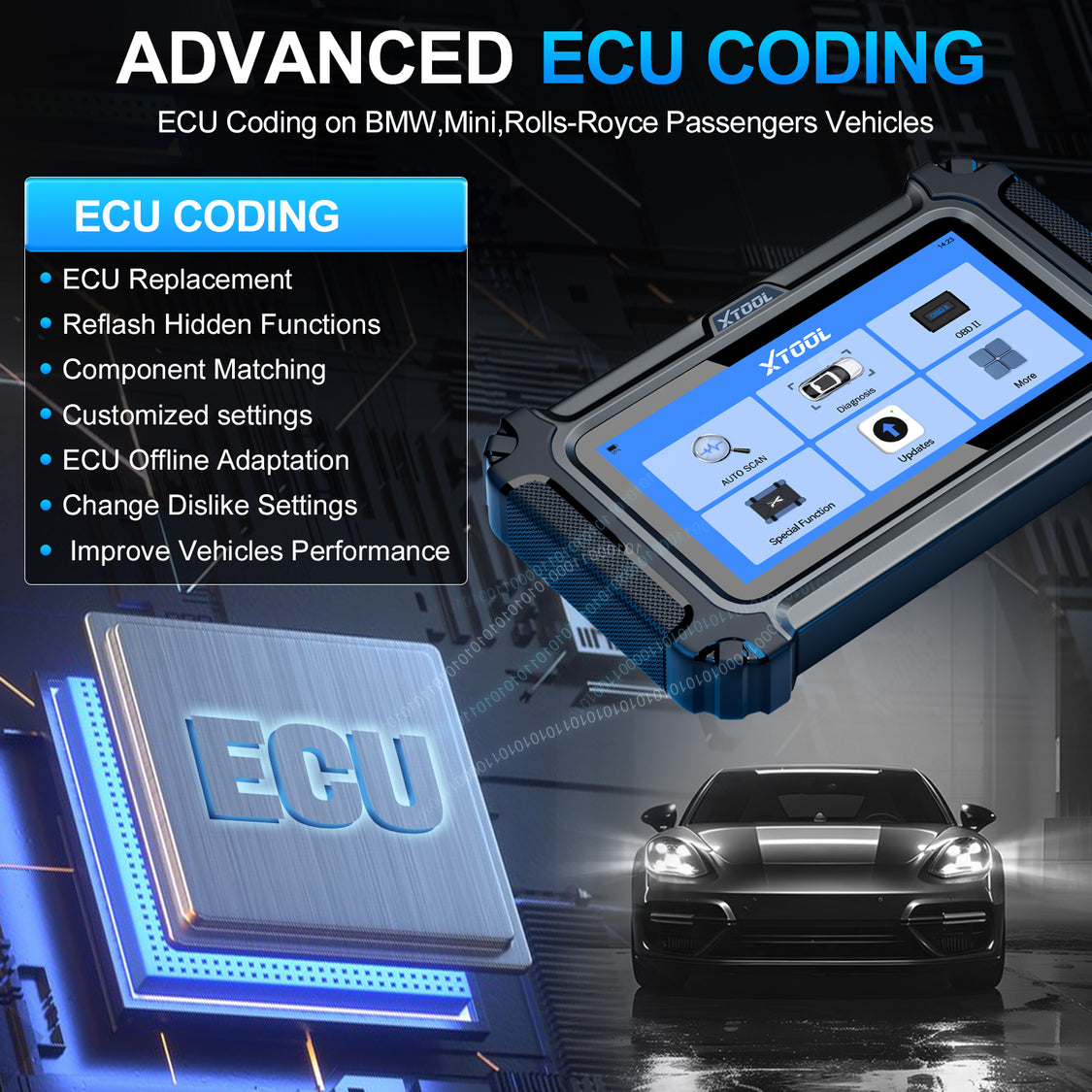
For BMW, Mini, or Rolls-Royce owners and small repair shops, a reliable BMW coding tool can cut costs drastically. The 2026-updated IP500-BMR promises 23 special functions, full-model compatibility, and lifelong free updates—we put it through real-world tests to see if it delivers. This review breaks down its performance, key features, and how it compares to competitors, helping you decide if it's worth the investment.
A BMW coding tool lets you customize vehicle settings (e.g., auto-folding mirrors, lock beeps) and run diagnostics (read/clear fault codes, check live data) without pricey OEM tools. While basic phone apps work for casual users, the IP500-BMR targets those needing professional-grade features at a mid-range price. We tested it on a 2023 BMW 3 Series, 2022 Mini Cooper, and 2021 Rolls-Royce Ghost, evaluating coding speed, diagnostic accuracy, and user-friendliness.
| Hardware Feature | Details |
| Product Name | IP500-BMR |
| OS/Processor | Linux / Dual-Core 1.2GHz |
| Memory | 128M RAM + 32G Storage (Expandable) |
| Screen | 5.45-inch Touchscreen (1440×720) |
| Connection/Updates | Wired OBD-II / WiFi (Lifetime Free Updates) |
| Supported Protocol | CAN FD |
The IP500-BMR supports 22 languages (English, German, Chinese, etc.), with seamless interface switching—ideal for global users. Its rugged, shockproof design holds up in garages, and the 5.45-inch touchscreen is responsive and sunlight-readable. The unboxing includes the tool, OBD-II cable, and manual (no charger—bring your own Type-C adapter).
It covers all key systems (engine, transmission, ABS, airbags). We detected an oxygen sensor fault in the BMW 3 Series, reading and clearing the code in 3 minutes with 100% accuracy—matching dealership scanners.
The tool's intuitive prompts make coding accessible for beginners. We successfully enabled lock beeps (BMW 3 Series, 8 mins), auto-folding mirrors (Mini Cooper, 10 mins), and disabled auto-start/stop (Rolls-Royce Ghost, 5 mins). No connection failures or setting corruption occurred during testing.
| Function | Purpose | Hands-On |
| Maintenance Light Reset | Reset oil change reminders | 1-minute completion (Mini Cooper) |
| DPF Regeneration | Diesel filter regeneration | Error-free on BMW X5 diesel |
| EPS Calibration | Steering system calibration | Accurate post-repair (Mini Cooper) |
| Window Initialization | Fix window malfunctions | Resolved stuck window (BMW 3 Series, 2 mins) |
| Transmission Adaptation | Reset shift logic | Reduced lag (Rolls-Royce Ghost) |
Across all test vehicles, the IP500-BMR maintained stable connections and delivered fast results. It automatically recognized the Mini's VIN for quick model selection, and the touchscreen worked well with greasy hands (common in garages). Notably, it seamlessly supported the Rolls-Royce— a rare feature for mid-range tools. For DIY users, step-by-step guides eliminated the need for technical skills; mechanics benefited from quick multi-vehicle switching and lifelong free updates (no hidden fees).
| Tool | Price | Supported Models | Special Functions | Best For |
| IP500-BMR | ~$149 | BMW/Mini/Rolls-Royce (2000+) | 23 | DIY & Small Shops |
| BimmerCode (App) | ~$49 (One-Time) | BMW/Mini | Basic (Coding Only) | Beginners |
| Carly for BMW | ~$89/Year | BMW/Mini | 15 | Light DIY Use |
Key Takeaway: The IP500-BMR outperforms phone apps in functionality and compatibility (Rolls-Royce support) and avoids subscriptions. It's pricier than entry-level tools but far cheaper than $1,000+ OEM scanners.
Ideal for: Multiple BMW/Mini/Rolls-Royce owners, small luxury car repair shops, and DIY enthusiasts wanting pro features.
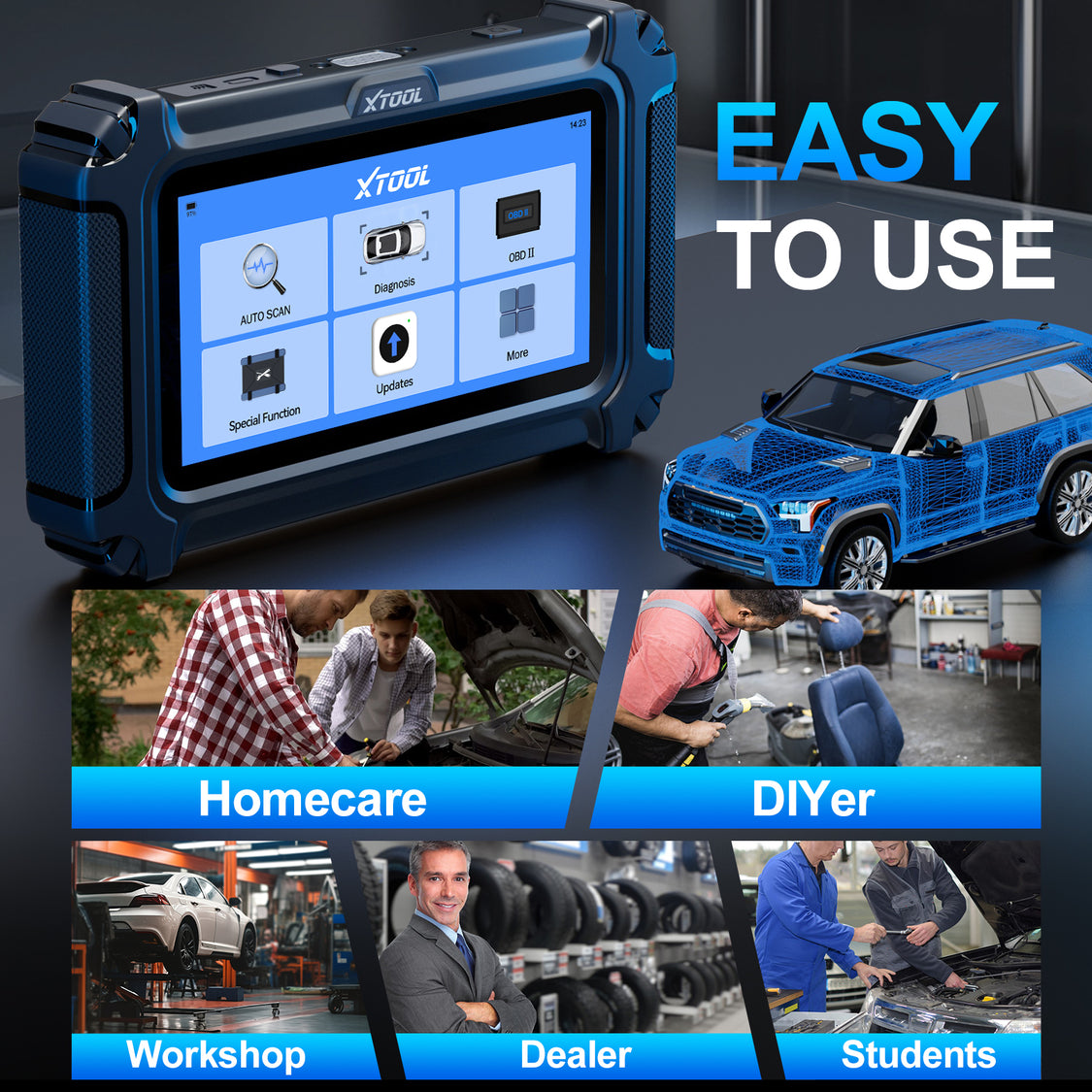
The IP500-BMR delivers professional-grade performance at a reasonable price. Its Rolls-Royce compatibility, 23 special functions, and lifelong updates make it the best BMW coding tool for serious users in 2026.
A1: Supports most 2000+ BMW/Mini/Rolls-Royce models. Check compatibility for pre-2000 vehicles.
A2: No—step-by-step guides let beginners complete tasks in 10 mins or less.
A3: Yes—WiFi updates include new models, functions, and bug fixes (no subscriptions).
A4: Yes—successfully tested on BMW X5 diesel, with pre-regeneration safety checks.


Business: business@xtoolonline.com
Social Media Cooperation: Media@xtoolonline.com
Support: support@xtoolonline.com